Audix documentation
Audix GRC, screen by screen.
Compliance is usually a pile of screenshots and spreadsheets that go stale the moment you take them, then get gathered again by hand for every framework you are asked about. This platform removes the gathering. It connects to the tools you already run, collects the evidence itself, checks that evidence against controls continuously, and maps one control to every framework it satisfies at once. You do the work once and watch ISO, SOC 2, PCI and the rest move together.
- areas, in the order the product shows them
- 13
- screens, each with who can open it
- 112
- screenshots, with numbered callouts
- 71
- flows, drawn under the screens they explain
- 29
- tasks, each written as numbered steps
- 243
One control, many frameworks
A control you implement counts everywhere it applies. You are not answering the same question five times.
Evidence collects itself
Connect a tool once, and the platform keeps pulling the current state and re-checking it.
It abstains rather than guesses
When a check cannot read something it says so instead of passing. The number stays one you can defend.
Everything is scoped to your organisation
Data is separated at the database level, not by a filter in the application.
Product tour
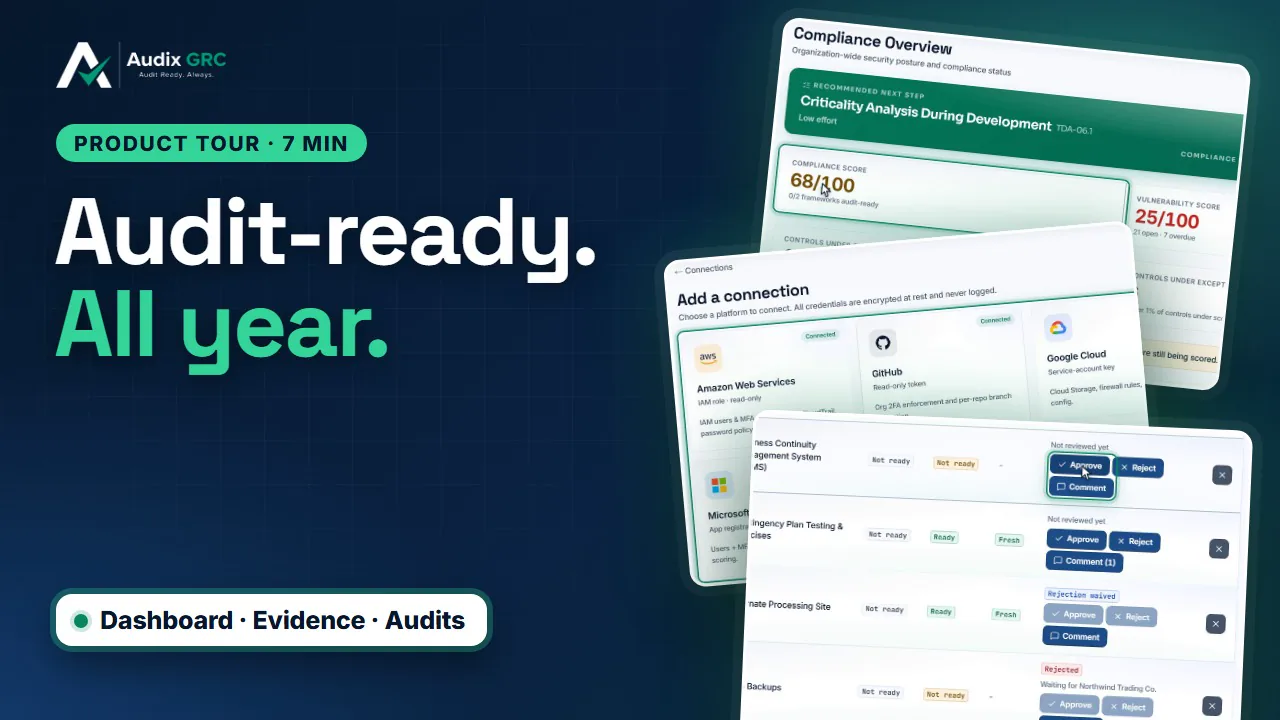
See it in seven minutes, narrated, with captions.
A seven-minute tour of Audix GRC, the automated compliance platform that keeps companies audit-ready all year round, instead of scrambling a few weeks before certification.
The guide
Thirteen areas, in the order the product shows them.
Around that engine sits the rest of a compliance programme: risks, vendors, policies, people, audits, and a public trust page your customers can read without emailing you.
Dashboard and setup
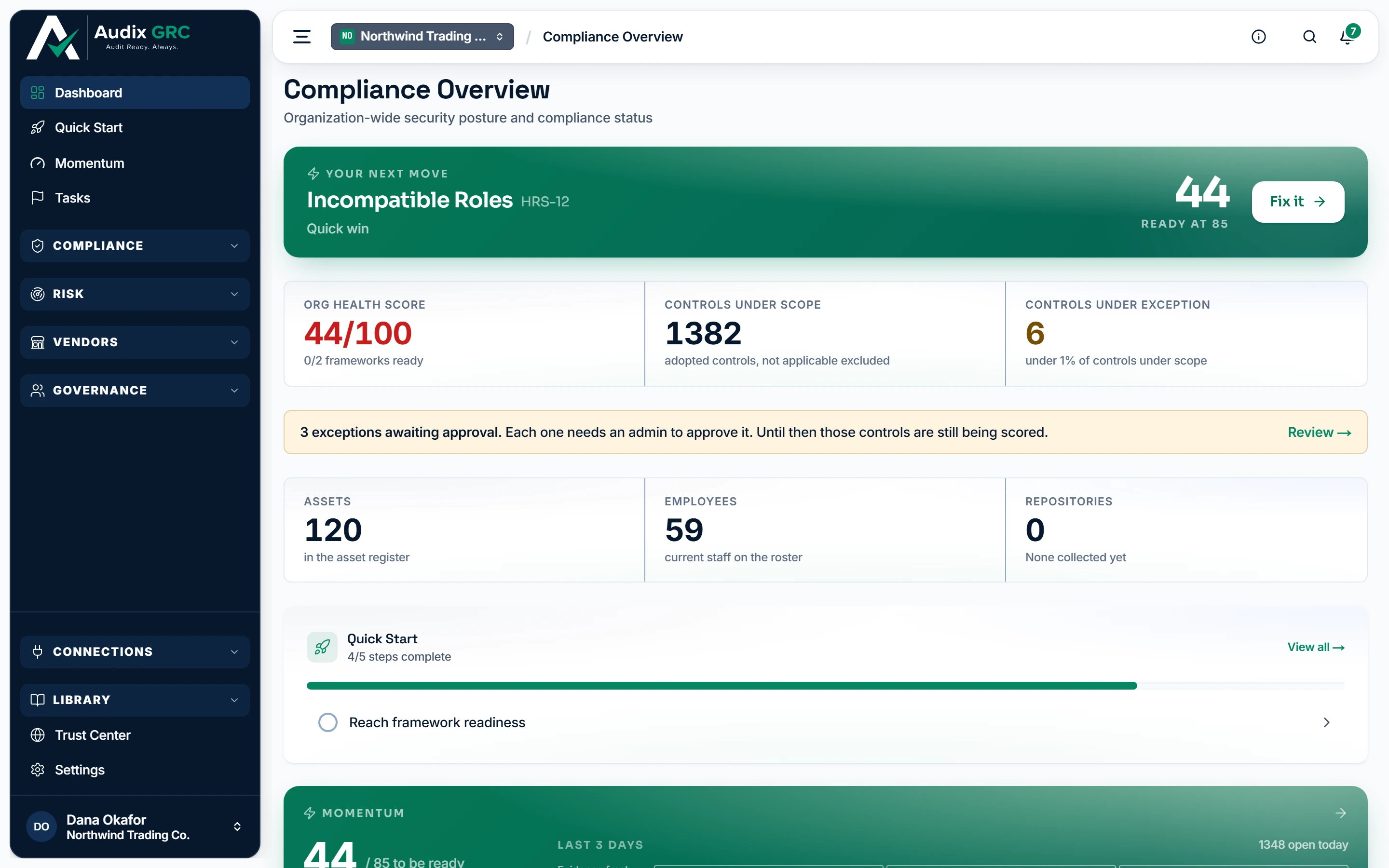
The four screens at the front of the platform: where you stand, what to set up, whether you are improving, and what is on your plate.
Controls and Frameworks
Do the control work once and get credit for it against every framework you are pursuing.
Monitoring and Evidence
Run the built-in checks against what your tools report, and keep the proof that each control operates.
Audits
Record an engagement, freeze what was in scope and how ready it was, hand the evidence over, and track what the auditor asked you to fix.
Risk
Write down what could go wrong, what you own, what is broken on it, and what you have decided not to fix yet.
Vendors
The register of every third party you rely on, and the record of what you did about each one.
Vendor questionnaires
Send a supplier a private link, get their answers back, and turn them into a risk band.
People and policies
Hold the roster of who works here, the written policies you stand behind, and the periodic sign-off on who still has access.
Connections
Plug in the tools you already run, and let the platform gather the evidence instead of you.
Trust Center
Publish one public page that answers a security reviewer's questions, and handle everything they ask next in a single queue.
Activity and settings
The record of everything that happened in your workspace, and the controls that decide who is allowed to change it.
Accounts and access
How a person gets an account, signs in, and ends up inside the right organization with the right role.
How it all works
The parts that sit under every other section: what your role lets you do, how your data is kept apart from everyone else's, how the score is built, and what the platform does while nobody is looking.
Connector guides
Seventeen tools and your AI assistant, each with its own setup guide.
What to create in each tool before you connect it, the fields to fill in, what Audix reads, and the tests the connection feeds. All connector guides
Roles
Four roles, one per person.
Everyone in an organisation holds exactly one role. It decides what the platform lets them do. Throughout this guide, member steps and admin steps are shown side by side so you can see the difference at a glance.
Member
The everyday role. Does the compliance work.
- Reads nearly every screen in the organisation
- Uploads evidence, ticks control checklists, raises exceptions
- Cannot connect tools, invite people, or change organisation settings
Admin
Everything a member can do, plus setting the organisation up.
- Connects tools and runs syncs
- Invites people and sets their roles
- Approves exceptions, signs off questionnaires, publishes the trust page
Approver
Separation of duty. Reviews without administering.
- Signs off a vendor questionnaire once the vendor has answered
- Raises and resolves clarification threads on those answers
- Everywhere else behaves exactly like a member
Auditor
For an outside reviewer. Read-only, enforced twice.
- Opens only the audits they are assigned to
- Every write is refused, whatever the screen shows
- The refusal happens before the role check, so it cannot be granted by mistake